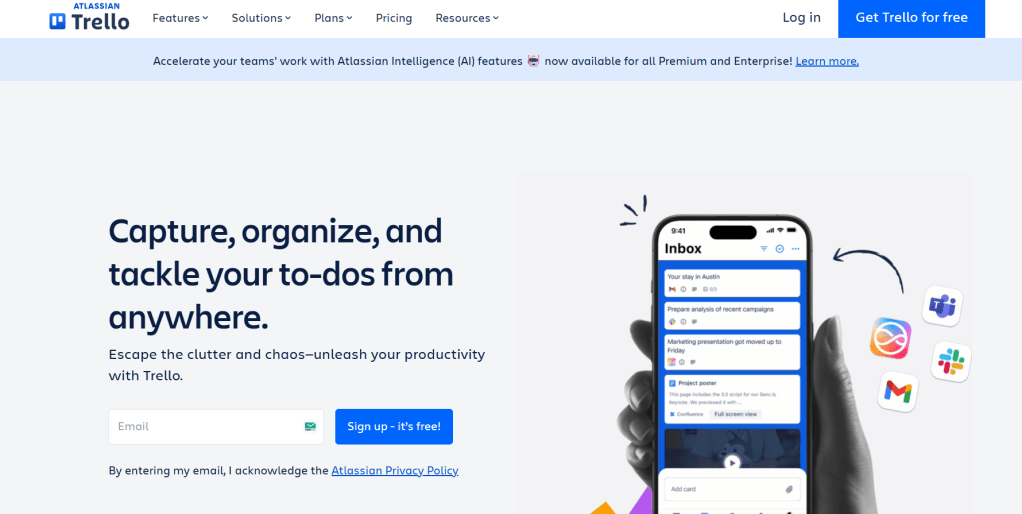
Trello is a highly visual and intuitive collaboration tool that helps you organize tasks, manage projects, and streamline workflows using boards, lists, and cards. Whether you’re planning content, tracking progress, or managing a team, Trello keeps everything organized in a way that’s easy to see and even easier to use.
It’s perfect for individuals, teams, and businesses looking for a flexible and visual project management system.
Here are some of the best features of Trello:
Boards, Lists & Cards
At the heart of Trello is its simple yet powerful layout:
- Boards represent entire projects or workflows
- Lists break down stages of progress (like To Do, Doing, Done)
- Cards represent individual tasks or ideas
- Drag-and-drop functionality makes updating tasks effortless
It’s like having a digital whiteboard—but way more dynamic.
Task Management Made Easy
Trello helps you:
- Add checklists, due dates, and attachments to any card
- Assign tasks to team members
- Add comments and tag collaborators
- Move tasks through stages as they progress
Everything is visual, customizable, and easy to track.
Built-in Power-Ups & Automation
Enhance your productivity with:
- Power-Ups for integrations (Slack, Google Drive, Dropbox, etc.)
- Calendar view, voting, and custom fields
- Butler automation to schedule tasks, send reminders, and trigger actions
- Templates for workflows like content planning, hiring, or onboarding
Trello grows with your needs—no code required.
Seamless Collaboration
Trello is designed to bring teams together by enabling:
- Real-time collaboration across devices
- Notifications and mentions to keep everyone in the loop
- Team boards and shared checklists
- File attachments from cloud services or local storage
Whether you’re remote or in-house, Trello keeps everyone on the same page.
Cross-Platform Access
Trello works wherever you are:
- Available on Web, iOS, and Android
- Desktop apps for Windows and macOS
- Syncs automatically across all devices
- Offline mode for mobile access on the go
Plan, manage, and update projects from anywhere.
Is it Free?
Yes! Trello offers a generous free plan that includes unlimited cards, up to 10 boards per workspace, and basic automation.
For growing teams and advanced needs, paid plans start at $5/month per user, unlocking features like unlimited boards, timeline views, and workspace-level permissions.
Why I Use Trello
Trello helps me map out everything—from content calendars and blog pipelines to personal to-dos and team tasks. It’s simple, visual, and flexible, which makes managing projects feel less like a chore and more like a creative process.
If you’re looking for an easy-to-use project manager that’s also collaborative and scalable, Trello is a smart choice for teams and solo creators alike.
![nick [Alliedify] Avatar](https://0.gravatar.com/avatar/6955a6009ff9c6a76e2eb88c263c9426c8c386b0a7637b4d0cc051871ee8c9f3?s=40&d=identicon&r=G)
 Alliedify
Leave a comment