
Published: July 19, 2025 — By Nick
If you’re serious about growing an online brand, content planning isn’t optional—it’s the backbone of your social media strategy. Loomly has helped many creators and teams with scheduling and content workflows, but it’s not the only game in town.
In fact, depending on your workflow—whether you’re a solo creator, startup marketer, or agency managing multiple accounts—some Loomly alternatives may offer more flexibility, better collaboration, or deeper analytics.
Let’s explore 8 powerful alternatives to Loomly that can help you manage your content like a pro.
💡 Disclosure: This post includes affiliate links. If you choose to purchase through them, I may earn a commission at no extra cost to you.
Why You Might Need a Loomly Alternative
While Loomly covers the basics—post scheduling, editorial calendars, and simple collaboration—it lacks in a few key areas:
- Limited analytics compared to other platforms
- No tools for social listening (such as tracking brand mentions or competitors)
- Collaboration features are less suited for large teams or agencies
- Pricing can climb quickly as you scale
If you’re feeling boxed in by Loomly’s capabilities or costs, it’s worth exploring platforms that offer more advanced features without breaking your budget.
The Top 8 Loomly Alternatives (Ranked)
Here are the best Loomly alternatives based on usability, collaboration features, analytics, and pricing. Let’s dive in:
1. Buffer
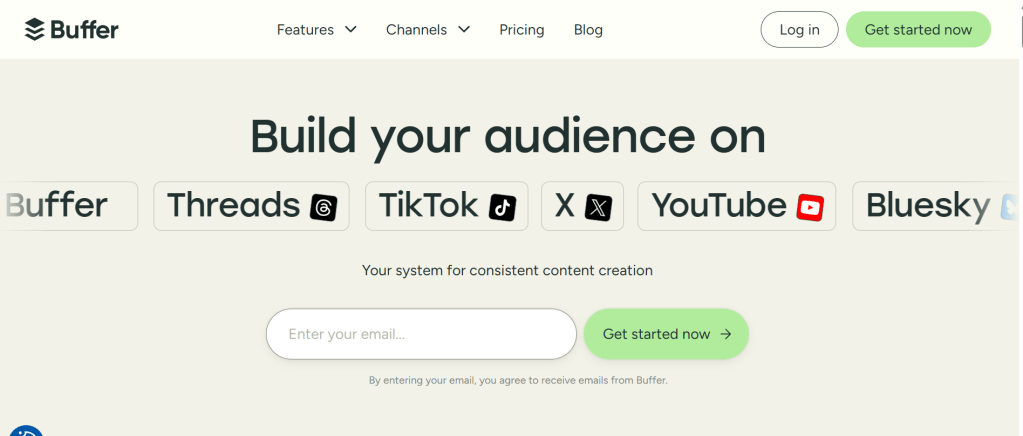
Best for: Solo creators and small teams
Buffer remains one of the most intuitive and affordable platforms for managing content across multiple channels. It’s especially friendly for startups and creators who want clean workflows, minimal fluff, and reliable scheduling.
Key Features:
- Publish across Facebook, Instagram, LinkedIn, and X (Twitter)
- AI Assistant for post suggestions and rewriting
- Approval workflows and team permissions
- Performance reports with engagement breakdowns
- Built-in link shortener and hashtag suggestions
Pricing:
Free plan available for up to 3 social channels. Paid plans start at $6/month per channel.
2. Sprout Social
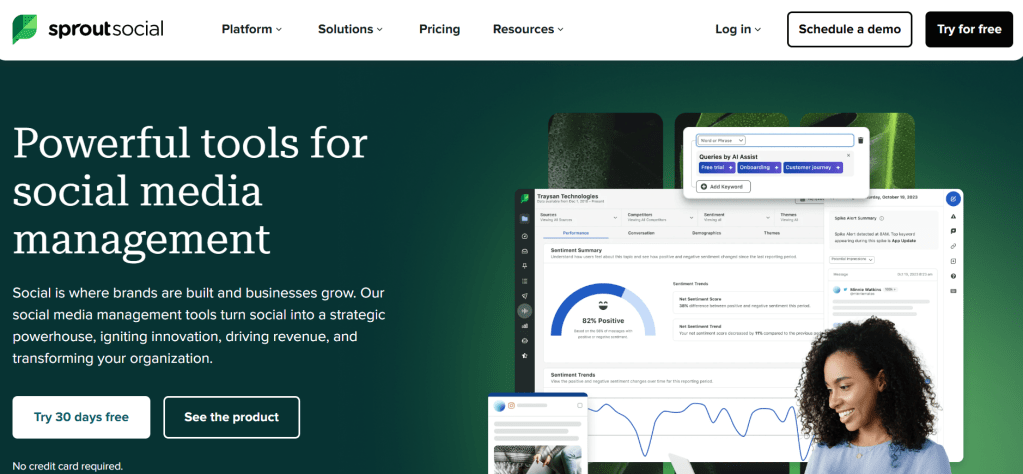
Best for: Agencies and data-driven brands
Sprout Social goes beyond scheduling and dives deep into social intelligence. If you’re managing large teams, handling multiple brands, or need serious analytics—Sprout is built for that.
Key Features:
- Unified Smart Inbox for messages across platforms
- Competitor tracking and keyword monitoring
- Advanced post analytics and sentiment reporting
- Approval workflows with role-based access
- CRM-style conversation history for customer care
Pricing:
Starts at $249/month per user. It’s premium-priced—but justified for big teams.
3. Canva Content Planner
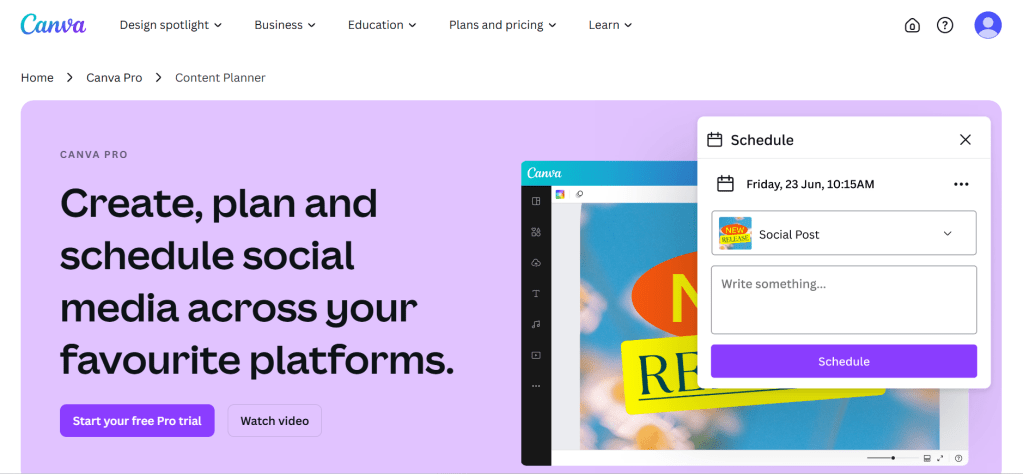
Best for: Designers and content creators
Canva isn’t just for visuals anymore. Its built-in Content Planner lets you schedule posts alongside your design workflow—no need to switch platforms.
Key Features:
- Drag-and-drop content calendar inside Canva
- Schedule directly to Facebook, Instagram, LinkedIn, Pinterest, and more
- Performance insights (engagement, clicks, etc.)
- Collaborate on graphics and campaigns in real-time
- Unlimited brand kits and design folders with Pro
Pricing:
Included in Canva Pro at $12.95/month.
4. Semrush Social Toolkit
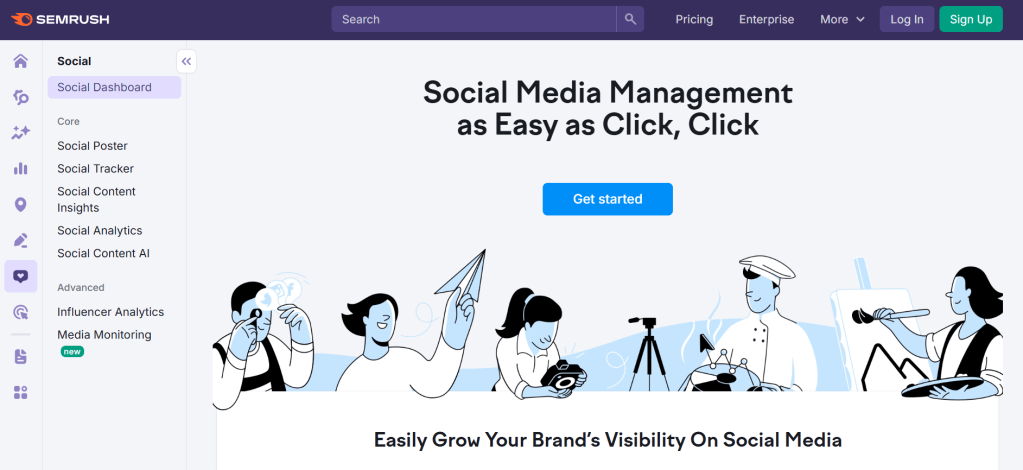
Best for: SEO-focused marketers
Semrush is famous for SEO, but its Social Media Toolkit brings publishing, scheduling, and competitor insights into one place—perfect for brands who want their content strategy backed by data.
Key Features:
- Publish and schedule across platforms
- Competitor tracking and keyword alerts
- Brand monitoring and engagement tracking
- Unified inbox for messages
- SEO + PPC tools bundled with social features
Pricing:
Social Toolkit is included in the Semrush Pro plan starting at $129.95/month.
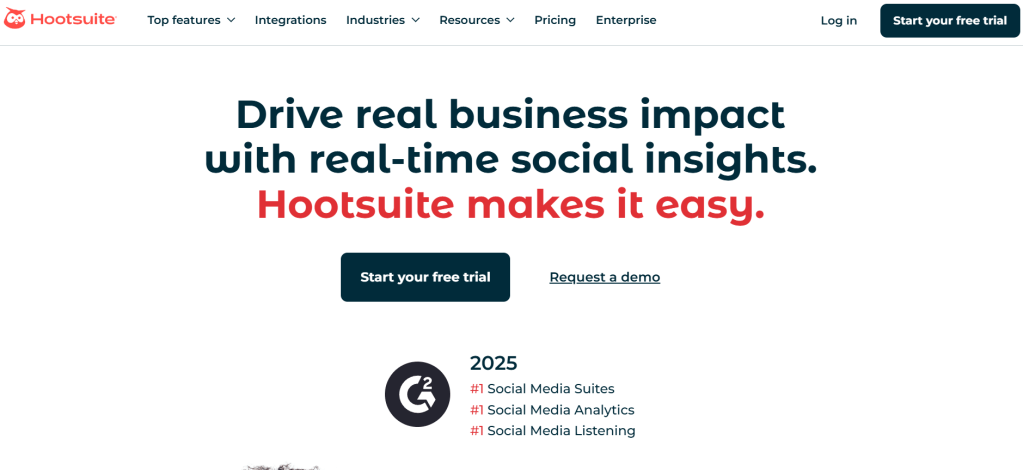
5. Hootsuite
Best for: Enterprise-level content teams
Hootsuite is a veteran platform built for scale. It’s ideal for corporate teams or agencies juggling dozens of accounts with complex workflows.
Key Features:
- Schedule, monitor, and respond—all from one dashboard
- AI-powered captions and content repurposing (OwlyWriter)
- Team permissions and client-specific content approvals
- Social listening tools
- Detailed reporting on audience growth and engagement
Pricing:
Starts at $99/month, but offers robust features for pros.
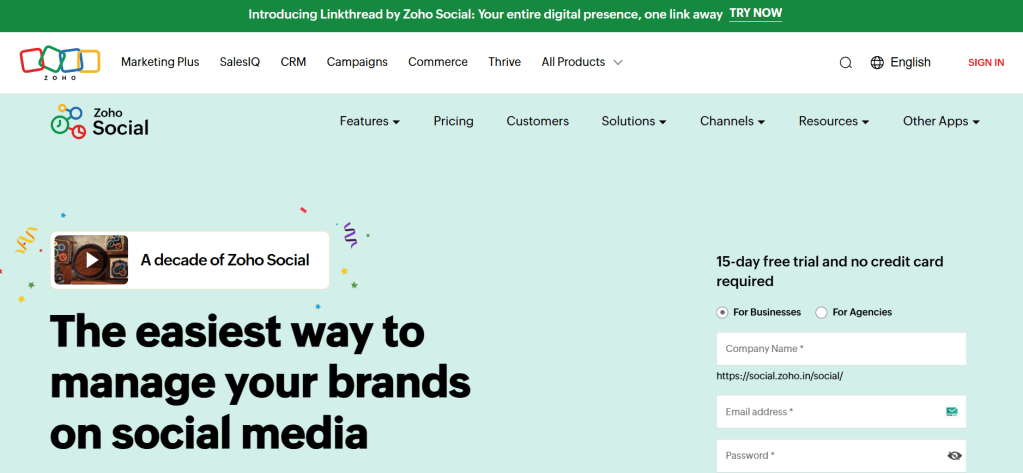
6. Zoho Social
Best for: Budget-conscious small businesses
Zoho Social offers solid scheduling, collaboration, and reporting tools—at a price point that makes sense for solopreneurs and small teams.
Key Features:
- Smart scheduling based on audience behavior
- Visual calendar with drag-and-drop rescheduling
- Monitor brand mentions and hashtags
- Native collaboration tools
- Prebuilt and custom analytics dashboards
Pricing:
Starts at $15/month per user. Offers a free trial.
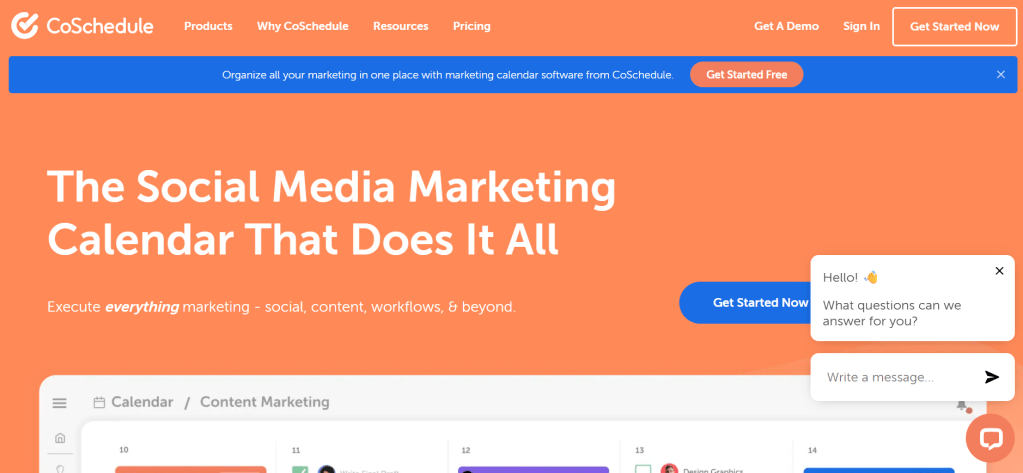
7. CoSchedule
Best for: Streamlining your marketing calendar
CoSchedule merges content planning, email campaigns, and social media scheduling into a single marketing calendar, making it perfect for teams managing blogs, newsletters, and social media.
Key Features:
- Unified content + social calendar
- Task management and approvals
- Campaign view for launches and multi-channel strategies
- Headline Analyzer tool for blog optimization
- AI-powered writing assistant
Pricing:
A free Social Calendar is available. Paid plans begin at $19 per month if billed annually.
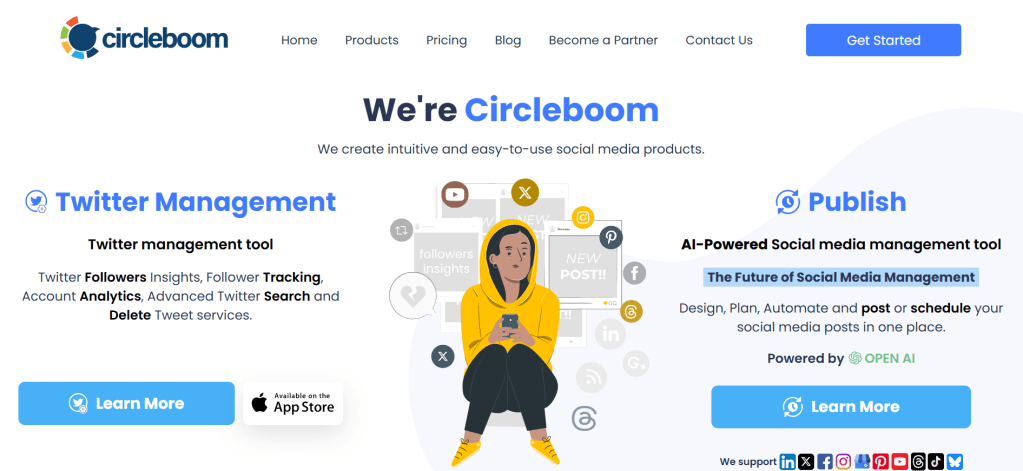
8. Circleboom
Best for: Twitter (X) power users
Circleboom focuses heavily on Twitter analytics and automation but supports other platforms too. Ideal if your main audience is on X and you want granular control.
Key Features:
- Schedule and manage tweets, retweets, and threads
- Follower insights and fake follower detection
- Bulk tweet deletion and reordering
- Pinterest, LinkedIn, Facebook support
- Hashtag performance tracking
Pricing:
Plans for Twitter start at $17.99/month. Social Media Scheduler plans start at $15.83/month (billed annually).
Final Thoughts: What’s the Best Loomly Alternative for You?
If Loomly isn’t hitting the mark anymore, these tools give you more power, better collaboration, and deeper insights—no matter your team size or budget.
Here’s a quick recap:
- For beginners & creators: Buffer or Canva
- For agencies & advanced marketers: Sprout Social or Semrush
- For affordable all-rounders: Zoho Social or CoSchedule
- For visual-first teams: Canva Content Planner
- For Twitter/X dominance: Circleboom
Don’t just stick to what’s familiar—experiment with these platforms and find the one that aligns best with your content workflow and growth goals.
![nick [Alliedify] Avatar](https://0.gravatar.com/avatar/6955a6009ff9c6a76e2eb88c263c9426c8c386b0a7637b4d0cc051871ee8c9f3?s=40&d=identicon&r=G)
 Alliedify
Leave a comment