
Published: by Nick
Let me tell you a quick story: a few years ago, I locked myself out of my main email account. Total blackout. Every recovery method failed, and I sat there sweating, pacing, guessing password after password.
It was the kind of tech nightmare that makes you realize:
Not using a password manager is just asking for trouble.
That experience led me to explore tools like 1Password—and while it’s a solid choice, it’s not the only game in town. In fact, there are some standout alternatives in 2025 that offer better pricing, unique features, or open-source transparency.
So whether you’re managing personal logins, sharing credentials with your team, or protecting sensitive business files, here are five powerful alternatives to 1Password worth exploring.
Top Picks at a Glance
| Tool | Best For | Notable Features | Free Plan | Paid Plan |
|---|---|---|---|---|
| NordPass | Everyday use, autofill, simplicity | Passkey support, secure sharing, PDF import | Yes | From $1.69/mo |
| Bitwarden | Privacy-focused & budget users | Open-source, built-in 2FA, unlimited devices | Yes | $10/year Premium |
| Keeper | Storing passwords + secure files | Dark web alerts, encrypted messaging | Yes | From $2.92/mo |
| Dashlane | Security + extras like VPN | VPN, breach alerts, elegant interface | Yes | From $4.99/mo |
| LastPass | Familiar interface + wide adoption | Emergency access, encrypted vault, browser sync | Yes | From $3/mo |
1. NordPass
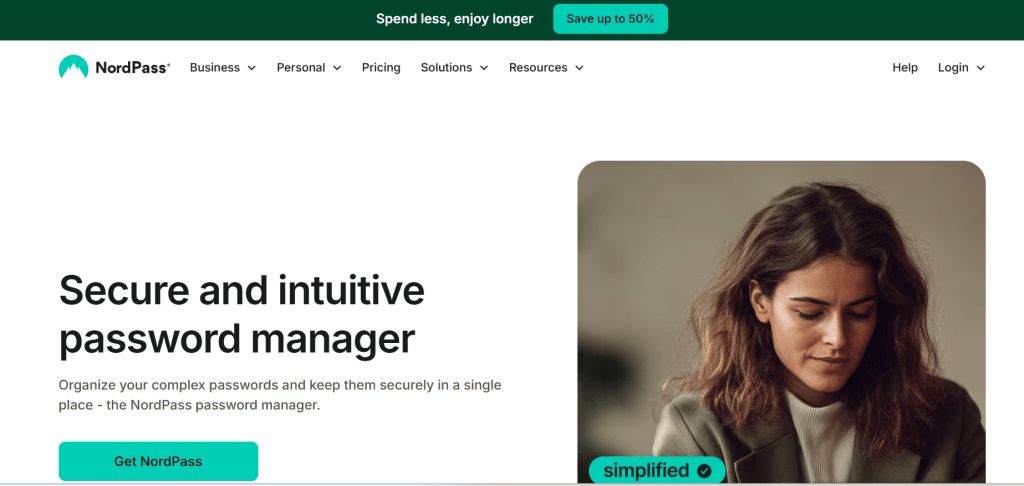
Best For: Simplicity, cross-device sync, and passwordless future
Developed by the makers of NordVPN, NordPass is designed with both casual users and security-conscious professionals in mind. Its clean interface and passkey support make it a great entry point into password management.
Key Features:
- Built with XChaCha20 encryption for enhanced security
- Autosave, autofill, and browser extension support
- Passwordless login support (passkeys)
- Secure sharing for teams or family members
- Cross-platform sync: desktop, browser, mobile
- Password history and breach monitoring
Pricing: Free plan includes basic functionality. Premium starts at $1.69/month (billed annually), and you can try Premium for 30 days—no credit card needed.
2. Bitwarden
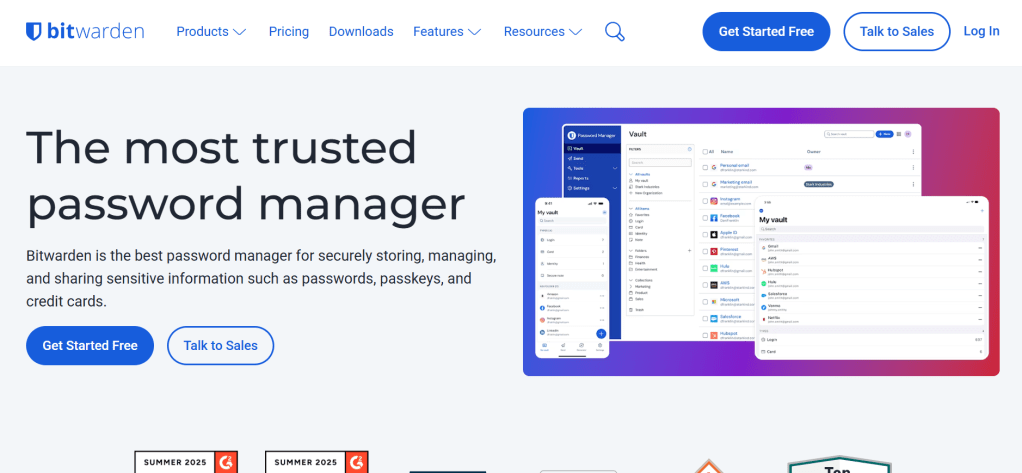
Best For: Budget users and privacy purists
Bitwarden is the open-source powerhouse in this space. Unlike closed-source apps, its code is publicly audited, giving privacy-focused users full transparency. It works across all platforms, including Linux, and has some serious feature depth—even on the free plan.
Key Features:
- End-to-end AES-256-bit zero-knowledge encryption
- Built-in 2FA generator
- Unlimited devices and logins (even on the free plan)
- Community-vetted and frequently audited
- Secure password and file sharing
- Passkey and personal note storage
Pricing: Free for most use cases. Premium is just $10/year, and Family plans (6 users) are $40/year—unmatched value for teams.
3. Keeper
Best For: Secure file storage + communication features
Keeper isn’t just about passwords—it’s a full-blown security suite. If you’re juggling sensitive documents like ID scans, bank data, or NDAs, this is a great choice. It even includes a private messaging app called KeeperChat for secure communication.
Key Features:
- Zero-trust, zero-knowledge encryption
- Store confidential files and passwords in one encrypted vault
- KeeperChat for disappearing messages
- Dark web monitoring and breach alerts
- Cross-platform access and biometric login
Pricing: Personal plan starts at $2.92/month (billed annually). Free mobile plan is available with limited features.
4. Dashlane
Best For: Premium experience + built-in VPN
Think of Dashlane as the Apple of password managers—sleek, powerful, and slightly pricier. Beyond traditional password vaults, it offers a built-in VPN, identity monitoring, and automatic password health checks.
Key Features:
- AES-256-bit zero-knowledge encryption
- Built-in VPN for secure browsing
- Breach detection with real-time alerts
- Seamless autofill on desktop and mobile
- Secure file storage, password sharing, and passkey support
Pricing: Free tier supports up to 25 passwords on one device. Premium plans start at $4.99/month, and include VPN access.
5. LastPass
Best For: Familiarity and emergency access
Despite past controversies, LastPass remains one of the most popular tools for a reason—it’s easy to use, widely supported, and full of useful features like emergency vault access and dark web monitoring.
Key Features:
- Encrypted password vault + notes
- Emergency access options for trusted contacts
- Browser extensions, mobile app, and autofill
- Encrypted file storage and 2FA support
- Dark web monitoring
Pricing: Premium is $3/month (billed annually). Free plan is limited to one device type (mobile or desktop), but still decent for individual use.
Final Thoughts: Which Password Manager Is Right for You?
There’s no universal winner—only the tool that fits your digital lifestyle.
| Your Priority | Best Pick |
|---|---|
| Free, open-source security | Bitwarden |
| Elegant UI + VPN combo | Dashlane |
| Full-suite security w/ files | Keeper |
| Everyday use, passkey-friendly | NordPass |
| Emergency vault sharing | LastPass |
Pro tip: Whichever tool you choose, enable two-factor authentication and use a unique master password. That one small step can save you from serious stress—and even protect your entire digital identity.
Stay secure, stay smart,
—Nick
![nick [Alliedify] Avatar](https://0.gravatar.com/avatar/6955a6009ff9c6a76e2eb88c263c9426c8c386b0a7637b4d0cc051871ee8c9f3?s=40&d=identicon&r=G)
 Alliedify
Leave a comment