
Author: Nick
Looking for the best Google Forms alternatives to streamline your data collection, lead generation, or survey workflows?
Google Forms is a reliable free tool—but let’s face it, it can fall short when it comes to advanced customization, branding, analytics, and payment integrations.
Whether you’re a business owner, marketer, educator, or freelancer, this guide breaks down the top Google Forms alternatives in 2025 that offer greater flexibility, modern templates, and smart automation.
Let’s explore the best options available—free and paid—ranked by authority, use case, and features.
Disclosure: This post contains affiliate links. If you click through and make a purchase, we may earn a small commission—at no additional cost to you.
1. Jotform – Best Overall Google Forms Alternative
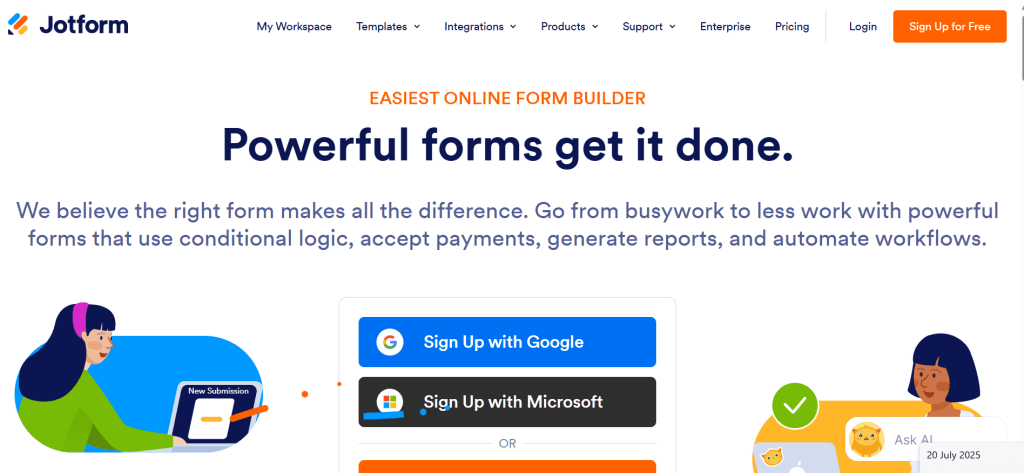
Ideal for: Businesses, agencies, educators, and non-profits who want powerful, customizable forms.
Jotform is a popular online form tool used by over 10 million people. It features an easy drag-and-drop builder, automation tools, and more than 10,000 templates, making it a top alternative to Google Forms.
You can accept payments, build PDF forms, generate reports, and integrate with 100+ tools like Google Sheets, Notion, Zoom, and PayPal—even on the free plan.
Key Features:
- 10,000+ industry-specific form templates
- Accept payments with Stripe, PayPal, and Square
- Drag-and-drop PDF form builder
- HIPAA, GDPR, and SOC2 compliance
- Automations via Zapier, Slack, and Airtable
Pricing:
- Free: 5 forms and 100 submissions per month
- Bronze: $34/month
- Silver: $39/month
- Gold: $99/month
2. Typeform – Best for Beautiful, Conversational Forms
Ideal for: Creators, coaches, and marketers who prioritize user experience.
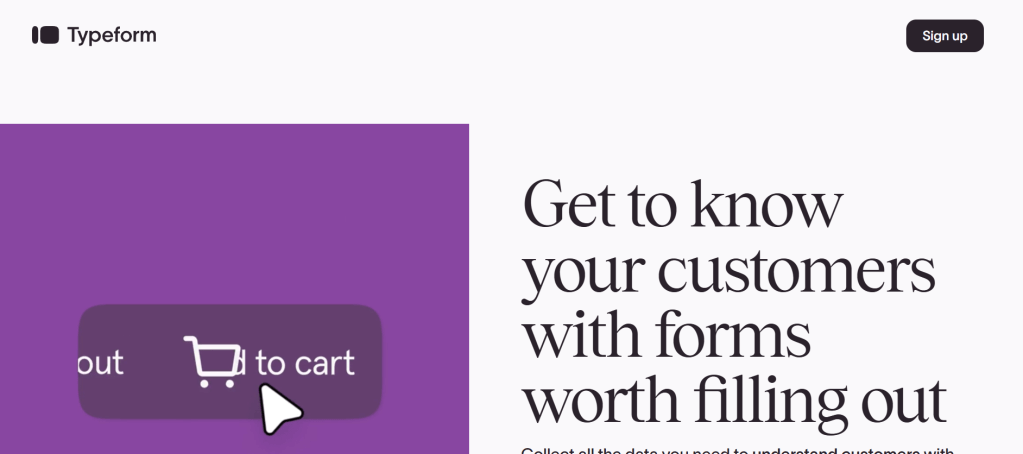
Typeform is known for its clean, minimal design that shows one question at a time—making forms feel more personal and less overwhelming. You can add video, images, logic jumps, and schedule close dates.
While it may not be ideal for complex forms with lots of fields, it’s perfect for feedback, quizzes, polls, and contact forms.
Key Features:
- Beautiful templates with rich media support
- Conditional logic and multi-path questions
- Integrates with Google Analytics, Notion, Zapier
- Supports Stripe payments
- Custom subdomains and form branding
Pricing:
- Free: 10 responses/month
- Basic: $25/month
- Plus: $50/month
- Business: $83/month
3. Zoho Forms – Best for Businesses Using the Zoho Ecosystem
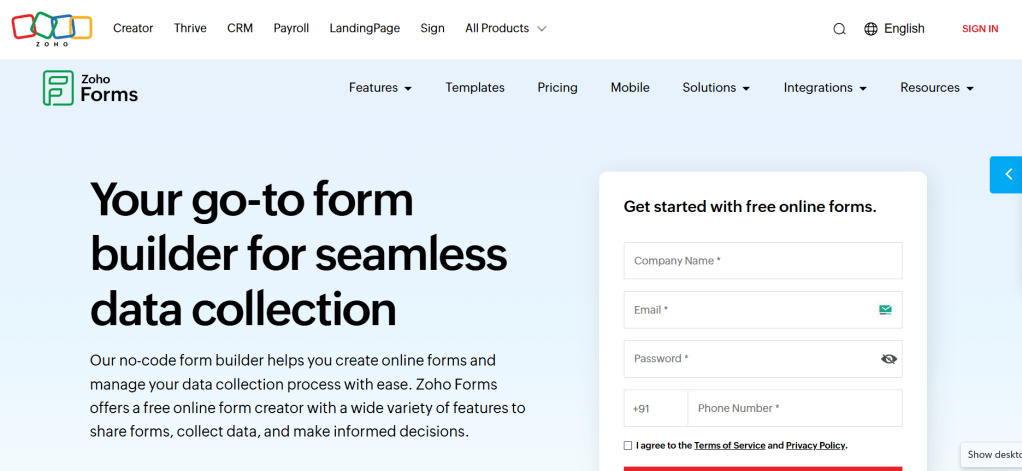
Ideal for: SMBs, CRM users, and remote teams who need all-in-one form and data automation.
Zoho Forms integrates tightly with Zoho CRM and other Zoho tools like Campaigns, Creator, and Analytics. It includes 40+ field types, logic rules, and QR/barcode scanning features for quick data entry.
Perfect for lead generation, job applications, payment forms, and client intake forms with real-time tracking.
Key Features:
- Drag-and-drop form builder
- Add custom domain to URLs
- Conditional logic and approval workflows
- Convert submissions to PDF automatically
- Built-in analytics and payment gateways
Pricing:
- Free: Limited entries
- Basic: $10/month
- Standard: $25/month
- Professional: $90/month
4. Cognito Forms – Best Developer-Friendly Option
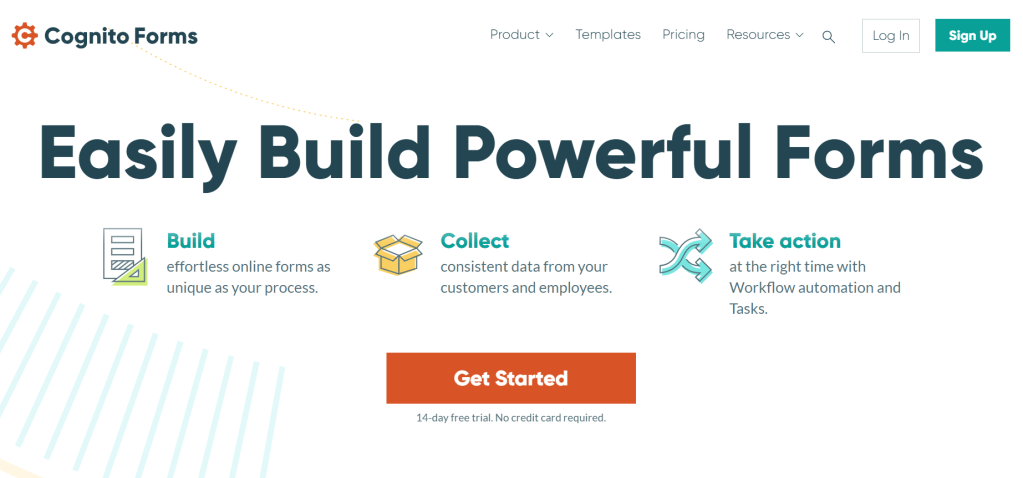
Ideal for: Power users and developers who need advanced calculations and workflow logic.
Cognito Forms lets you create dynamic forms with embedded calculations, repeating sections, and conditional rules. You can securely accept payments, use templates, and export entries for complex workflows.
It’s also HIPAA and GDPR-compliant, making it a strong choice for regulated industries.
Key Features:
- Advanced logic and conditional field visibility
- Accept payments via Stripe, PayPal, Square
- Supports digital signatures and file uploads
- External data source integrations
- Save and resume option for long forms
Pricing:
- Free: Limited entries
- Pro: $15/month
- Team: $35/month
- Enterprise: $99/month
5. Wufoo – Best for Beginners and Brand Customization
Ideal for: Small business owners who want branded forms without coding.
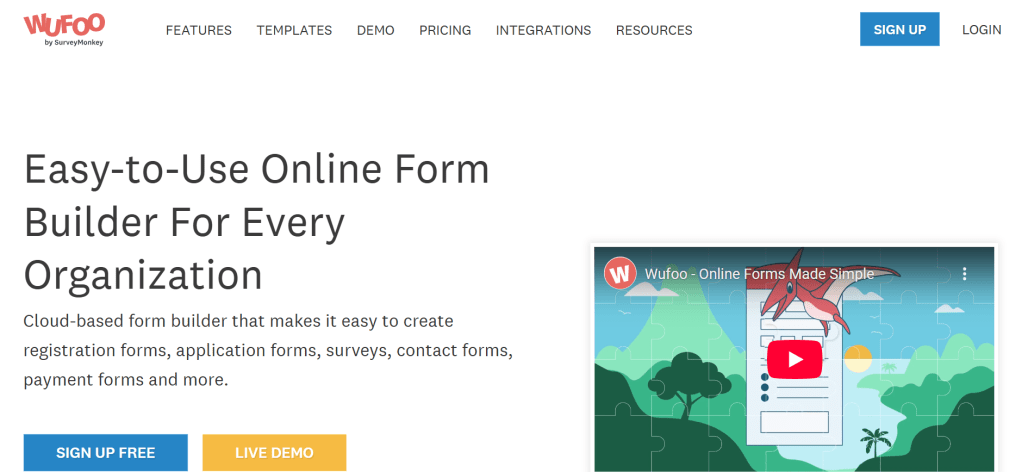
Wufoo, owned by SurveyMonkey, is a beginner-friendly form builder with strong design tools. You can customize the look of your forms, embed them anywhere, and track responses with built-in reporting.
It helps with payment processing and works with popular tools such as Mailchimp and Dropbox.
Key Features:
- Intuitive form dashboard
- Add your logo, fonts, and brand colors
- Built-in payment gateways
- Reports and analytics built-in
- Zapier and Mailchimp integrations
Pricing:
- Free: Up to 5 forms & 100 entries/month
- Starter: $14.08/month
- Professional: $29.08/month
- Advanced: $74.08/month
- Ultimate: $183.25/month
6. DashClicks’ Forms – Best White-Label Option for Agencies
Ideal for: Marketing agencies and SaaS providers who want to resell branded form solutions.
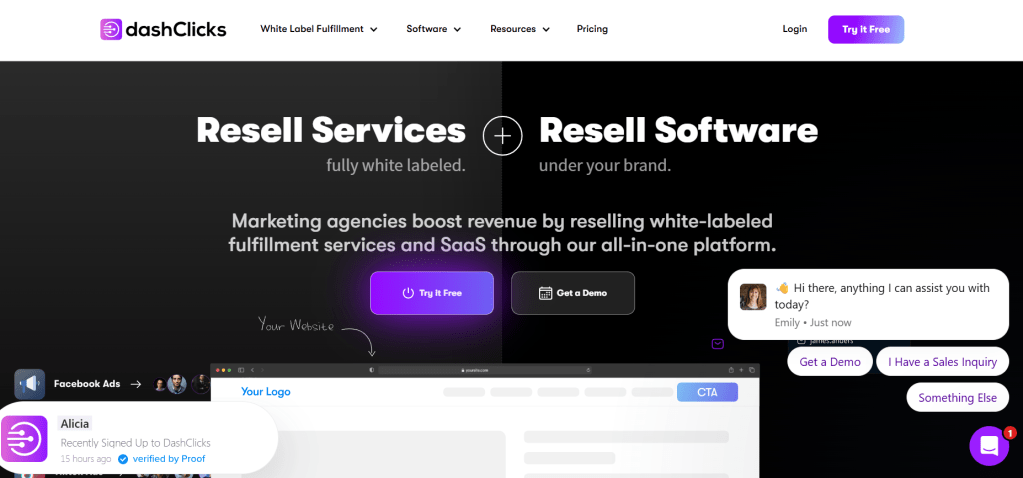
DashClicks offers an all-in-one white-labeled forms app that lets you create unlimited, beautifully designed forms with drag-and-drop tools. Use them as landing pages, embed them, or share links directly.
The platform is a powerhouse for lead collection, client onboarding, and campaign funnels with a CRM backend to track everything.
Key Features:
- White-labeled drag-and-drop builder
- Unlimited submissions across forms
- Use as landing pages or embeds
- Group, card, or classic form styles
- Organized CRM view of all submissions
Pricing:
- Pro Plan: $199/month
Final Thoughts: Choosing the Right Google Forms Alternative
Whether you’re looking for stunning design, robust automation, CRM integration, or white-labeled solutions, there’s a perfect Google Forms alternative waiting for you.
Here’s a quick recap:
| Tool | Best For | Starting Price |
|---|---|---|
| Jotform | Overall functionality | Free |
| Typeform | Modern, conversational UX | Free |
| Zoho Forms | Business users with CRM needs | Free |
| Cognito Forms | Developer-level logic & payments | Free |
| Wufoo | Easy branding for small businesses | Free |
| DashClicks | White-labeled agency solutions | $199/month |
If you’re just starting out, try Jotform or Zoho Forms. Want beautiful design? Go with Typeform. Running an agency? DashClicks has you covered.
Choose the one that aligns best with your workflow—and start collecting better data today.
Need more productivity tools?
Check out: [10 Best AI Tools for Digital Creators in 2025] or [How to Edit PDFs in Canva Like a Pro].
![nick [Alliedify] Avatar](https://0.gravatar.com/avatar/6955a6009ff9c6a76e2eb88c263c9426c8c386b0a7637b4d0cc051871ee8c9f3?s=40&d=identicon&r=G)
 Alliedify
Leave a comment