August 1, 2025 | Written by Nick
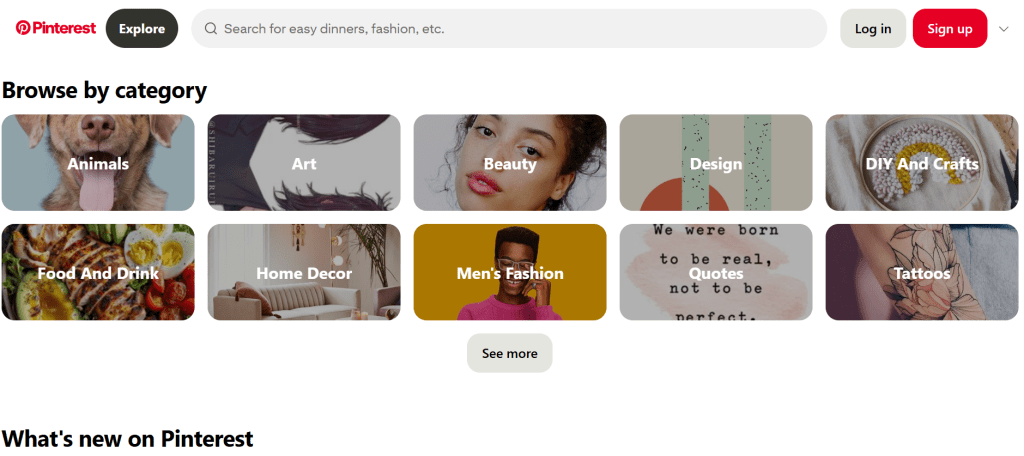
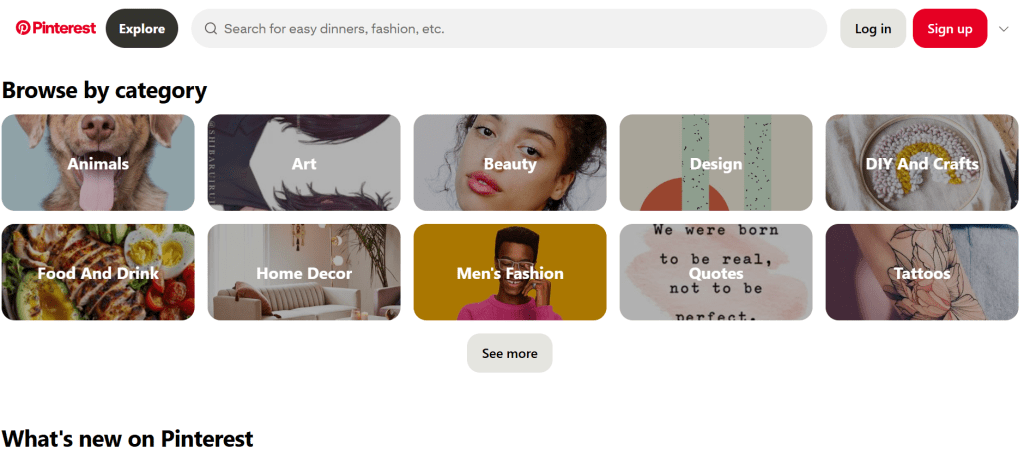
Pinterest isn’t just a vision board platform anymore it’s a visual search engine with the power to drive thousands of visitors to your blog or business every single month. And when used strategically, it becomes one of the most underrated growth engines in digital marketing.
But let’s cut to the real question:
How do certain pins explode while others fade into obscurity?
The answer isn’t magic it’s method. In this guide, I’ll break down the exact strategies you can use in 2025 to craft Pinterest pins that stand out, get saved, and go viral. Whether you’re brand-new or optimizing an existing Pinterest strategy, these proven tips can help you grow with intention.
What Is a Viral Pin, Anyway?
A viral pin is one that picks up rapid momentum pulling in clicks, saves, and impressions faster than average. For example, if one of your pins gets 900+ clicks, 100+ saves, and over 100K impressions in a single month, it’s clearly resonating with users and being distributed widely by Pinterest’s algorithm.
This kind of performance happens when your pin hits the sweet spot of strong visuals, the right keywords, and irresistible click potential.
1. Use Scroll-Stopping, Pin-Worthy Images
Pinterest is a visual-first platform with over 500 million monthly users looking for fresh, creative inspiration. If your graphics blend in, your chances of going viral are slim.
Here’s what makes a viral pin image in 2025:
- High-resolution vertical graphics (2:3 ratio)
- Fresh, scroll-stopping visuals that aren’t overused
- Readable, bold text overlays
- Consistent brand colors and fonts
Nick’s Tip: Use Canva Pro to design unique pins with premium stock photos, custom fonts, and tools like background remover or mockup generators. Even better? The built-in content planner lets you schedule directly to Pinterest.
Avoid using overly saturated or cliché stock images. Pinterest’s algorithm rewards originality and user engagement—so design with intent.
2. Nail the Pin Title (This Drives Clicks)
Think of your pin title like a headline in a magazine. If it doesn’t grab attention or make a promise, users won’t click.
Winning Pin Titles Often Include:
- Numbers (e.g., “7 Easy Dinner Recipes for Busy Nights”)
- Action verbs (“Boost”, “Create”, “Start”, “Discover”)
- Problem-solving phrases (“How to”, “Fix”, “Avoid”)
- A clear benefit (“Free”, “Fast”, “Beginner-Friendly”)
Pro Hack: Create 3–5 different pin variations for the same post. Each with a unique image and title. Schedule them across 2–3 weeks using a tool like Tailwind or Pinterest Planner inside Canva.
Need help writing headlines? Use ChatGPT or Writesonic with a prompt like:
“Write 10 Pinterest titles and descriptions for a blog post on [topic]. Use action verbs, keywords, and keep it under 60 characters.”
3. Optimize with Keywords the Right Way
Pinterest is also a search engine. That means SEO principles apply, but in a more visual and keyword-driven way.
To go viral, you need to show up in search results for high-intent queries like:
- “Easy meal prep recipes”
- “Budget travel destinations 2025”
- “Freelance tips for beginners”
Here’s Where to Add Keywords:
- Pin title
- Pin description
- Board title and description
- Pinterest profile bio
- Image alt-text (if you upload from your site)
Quick Strategy: Type your main keyword into the Pinterest search bar and note the suggested keywords that auto-fill those are your top SEO opportunities.
4. Be Consistent and Strategic with Posting
One viral pin can spark a massive wave of traffic. But consistency is key.
Instead of uploading 10 pins all at once, schedule them out over time. Focus on value over volume. Create multiple pins for the same post with small tweaks in title, visuals, and layout.
Tools like Tailwind Ghostwriter use AI to generate optimized pin descriptions, hashtags, and posting schedules inside one dashboard.
Wrapping Up: Final Thoughts from Nick
Pinterest still offers underrated reach for bloggers, solopreneurs, and creators in 2025. But going viral isn’t about luck it’s about strategy, creativity, and consistency.
Here’s a recap of the essentials:
- Create original, high-quality vertical pins
- Use Canva Pro to design and schedule consistently
- Craft compelling, keyword-rich titles
- Don’t rely on one pin test 3–5 per post
- Use AI tools to scale smarter, not harder
With practice, you’ll discover what kind of pins work for your niche and audience. And once you crack the code, Pinterest can become your top traffic source without paying a dime for ads.
Need a head start? Grab my viral Pinterest pin templates [here]
![nick [Alliedify] Avatar](https://0.gravatar.com/avatar/6955a6009ff9c6a76e2eb88c263c9426c8c386b0a7637b4d0cc051871ee8c9f3?s=40&d=identicon&r=G)
 Alliedify
Leave a comment