
• Published: 2025 • By Nick
Thinking of showcasing your creative work online but overwhelmed by the tech stuff?
You’re not alone.
Whether you’re a photographer, designer, writer, freelancer, or student building your first side hustle, having a digital portfolio is no longer optional — it’s your virtual business card.
But let’s be real: hiring a web designer can get expensive fast. And if you’re not a coder, building a site from scratch might feel impossible.
Thankfully, it’s 2025 — and you’ve got easier options.
Below, I’ve handpicked five of the best portfolio website builders that strike the perfect balance between design freedom, affordability, and ease of use — even if you’re starting from scratch.
Let’s break them down.
Note: This post contains affiliate links. If you make a purchase through one, we may earn a small commission — at no extra cost to you.
1. Pixpa
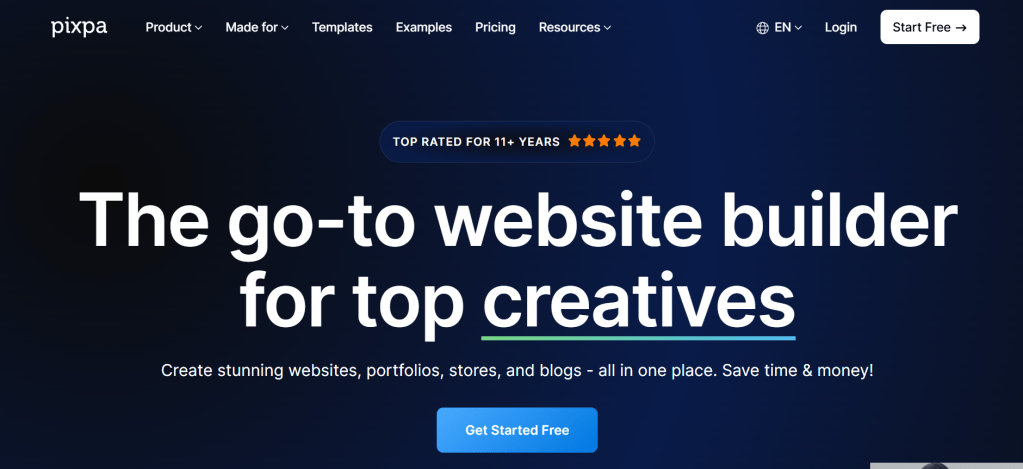
Best for: Creators, photographers, and artists who want a sleek portfolio with built-in business tools.
Why it’s great: Pixpa is tailor-made for creatives. You don’t just get a drag-and-drop builder — you get client proofing, blogging, galleries, and even eCommerce features in one place. It’s like your entire creative business in one clean dashboard.
The design templates are contemporary, mobile-friendly, and entirely customizable. Whether you’re displaying design projects, selling artwork, or managing photography bookings, Pixpa offers you the freedom you need without the hassle.
Bonus: You can also integrate client galleries with password protection — great for freelance photographers.
Pricing: Starts at $4.80/month (billed annually). Free 15-day trial available.
Try Pixpa →
2. Hostinger Website Builder

Best for: Beginners and budget-conscious creatives who want fast setup with AI support.
Why it’s great: Hostinger’s website builder is an underrated gem in 2025. It combines drag-and-drop simplicity with AI-powered tools that help you generate a full website layout in minutes.
You can choose from clean, responsive templates or let the AI build something based on your portfolio goals. From fonts to layout blocks, everything’s tweakable — even for people with zero design background.
🧠 AI-assisted content and layout generation means you can launch in under 30 minutes — seriously.
Pricing: Begins at $2.99/month (billed every 4 years), making it one of the most affordable long-term choices available.
Try Hostinger Builder →
3. Weebly
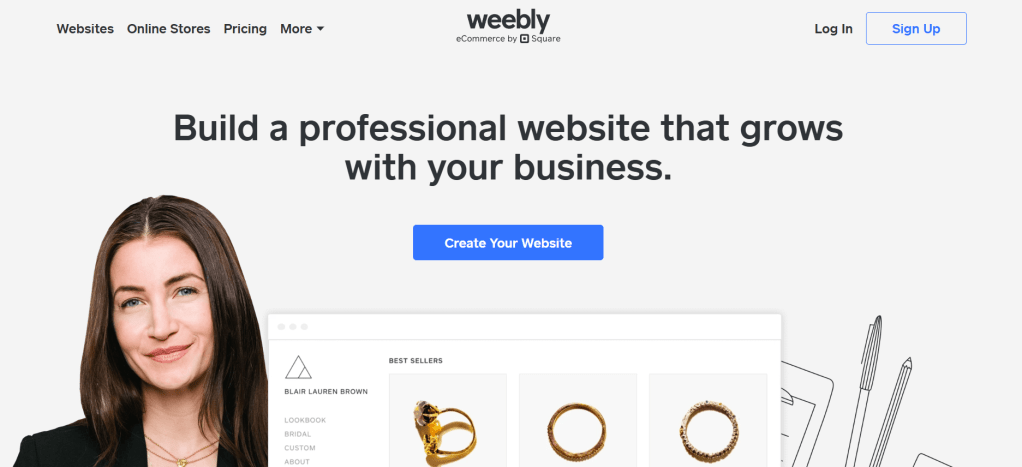
Best for: Beginners who want a free plan and simple tools to build fast.
Why it’s great: If you’re just dipping your toes into building a portfolio, Weebly is one of the easiest platforms out there. It uses a no-nonsense drag-and-drop system, with great-looking templates and a built-in app store to extend functionality as you grow.
While the free version includes a Weebly-branded footer, it’s more than enough to create a clean, functional portfolio that loads fast on mobile.
🛠️ Bonus: Comes with basic eCommerce functionality if you ever want to sell digital downloads or merch.
Pricing: Free with branding. Paid plans start at $10/month.
Try Weebly →
4. WordPress (with Bluehost)

Best for: Creatives who want full control, scalability, and long-term SEO performance.
Why it’s great: WordPress powers over 40% of the web — and for good reason. It’s endlessly customizable with themes and plugins, from minimalist portfolios to full-fledged blogs and stores.
For first-timers, pairing WordPress with Bluehost makes setup seamless. Bluehost installs WordPress for you and gives you access to one-click themes and tools like Elementor or Kadence Blocks for visual editing.
🚀 SEO, performance, blog integrations — WordPress gives you long-term growth potential once you learn the ropes.
Pricing: Begins at $2.95 per month through Bluehost, billed annually.
Try WordPress + Bluehost →
5. Wix

Best for: Creatives who want high design freedom and animation-rich portfolios.
Why it’s great: Wix remains one of the most popular portfolio builders for a reason — it’s ridiculously flexible. You can drag anything anywhere, add scroll animations, embed videos, and make your site look premium even on the free plan.
Wix also offers Wix ADI — an AI-based tool that builds a personalized website for you by asking a few questions. Great for freelancers, photographers, and designers who care about visual storytelling.
🎨 Bonus: Access to advanced design tools like scroll effects, video backgrounds, and a massive template library.
Pricing: Free plan available with Wix branding. Paid plans start at $17/month.
Try Wix →
how can uChoose the Best Portfolio Website Builder
Here’s a quick decision guide:
| Platform | Best For | Pros | Starting Price |
|---|---|---|---|
| Pixpa | Visual creators (photographers, artists) | Sleek templates, client tools | $4.80/mo |
| Hostinger | Budget users who want AI simplicity | Fast setup, drag-and-drop, affordable | $2.99/mo |
| Weebly | Total beginners | Free plan, user-friendly | Free / $10/mo |
| WordPress | Customization + blogging power | Advanced control, plugin ecosystem | $2.95/mo |
| Wix | Design flexibility + visual flair | Scroll effects, animations, ADI | Free / $17/mo |
Final Thoughts: Build Your Creative Hub
A portfolio site isn’t just a place to display your work — it’s how you pitch yourself to the world. Whether you’re applying for gigs, building your brand, or launching a creative service, your site is the first thing people see.
Here’s the good news: You don’t need to be a tech genius or hire a web developer.
With tools like Pixpa, Wix, or Hostinger’s AI Builder, anyone — yes, even you — can go live in hours.
So choose the platform that matches your goals, sign up, and start building your digital presence today.
Because in 2025, your work deserves to be seen.
![nick [Alliedify] Avatar](https://0.gravatar.com/avatar/6955a6009ff9c6a76e2eb88c263c9426c8c386b0a7637b4d0cc051871ee8c9f3?s=40&d=identicon&r=G)
 Alliedify
Leave a comment