
2025 | By Nick
If your browser bookmarks look more like a messy junk drawer than an organized filing system, it’s time to upgrade. Bookmark manager apps go far beyond saving links—they help you categorize, search, sync, and even annotate content across all your devices.
Whether you’re a digital hoarder, researcher, or casual reader, these tools will help you manage your saved web content like a pro.
Let’s explore the best bookmark managers available in 2025—sorted by functionality, platform compatibility, and long-term value.
Best Bookmark Managers in 2025
| Tool | Best For | Price |
|---|---|---|
| Raindrop.io | Organizing and tagging bookmarks | Free, Pro: $3/mo or $28/yr |
| Notion | Custom databases & multi-purpose saving | Free, Paid: From $10/mo |
| Instapaper | Clean offline reading & annotation | Free, Premium: $5.99/mo |
| Read-it-later with text-to-speech | Free, Premium: $4.99/mo | |
| Anybox | Apple-exclusive link management | Free, Pro: $1.99/mo or $39.99 one-time |
️ Heads up: Pocket will be shutting down soon. If you’re a longtime user, make sure to export your saved content.
1. Raindrop.io – Best All-Round Bookmark Organizer
Perfect for: Researchers, creators, professionals managing large content libraries.
Platforms: Web, iOS, Android, Windows, macOS, Linux, browser extensions.
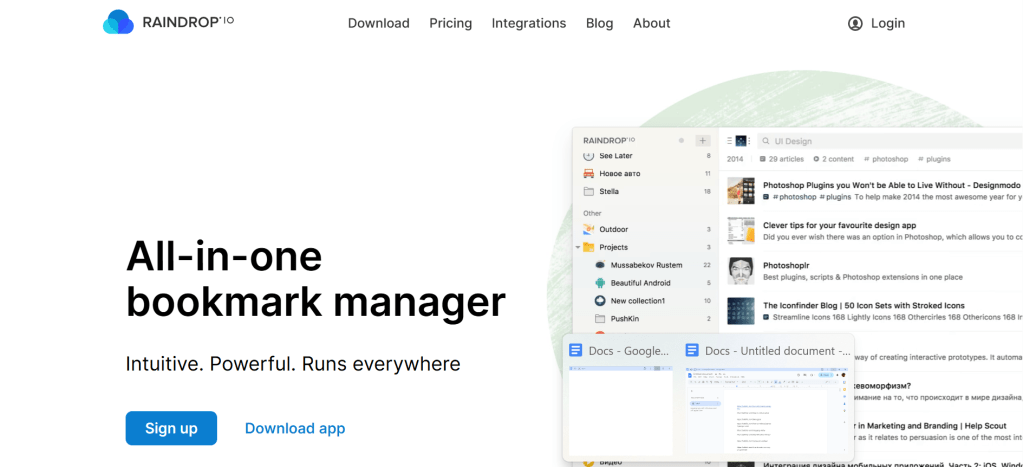
Raindrop.io is the gold standard for digital bookmarking in 2025. It lets you save, tag, and categorize links into visually appealing collections—and even collaborate on shared folders.
✅ Features:
- Custom collections and folders
- Tag-based filtering
- Full-text search (Pro only)
- Broken link checker
- Sync across all devices
Whether you’re researching startup ideas or curating visual inspiration boards, Raindrop gives you full control over your saved web. The clean UI, Chrome extension, and third-party integrations make it highly versatile.
Pricing: Free with core features. Pro costs $3/month or $28/year.
2. Notion – Best for Flexible Bookmark Databases
Perfect for: Power users, productivity nerds, Notion lovers.
Platforms: Web, macOS, Windows, iOS, Android.
Notion isn’t just a bookmark manager—it’s a digital brain. You can build custom databases for saved links, complete with tags, properties, and filters. Save web content via the Notion Web Clipper and sync across all devices.
Bookmark Workflow Example:
- Create a new “Bookmarks” database
- Add columns for URL, tags, and type
- Filter by topic (e.g., “Design,” “Finance,” “Recipes”)
- Access and search instantly across all devices
While there’s a slight learning curve, Notion rewards you with unmatched flexibility and organization.
Pricing: Free for personal use. Paid plans begin at $10 per month when paid annually.
3. Instapaper – Best for Focused Reading & Annotation
Perfect for: Minimalists, offline readers, students.
Platforms: iOS, Android, Web, Kindle, browser extensions.
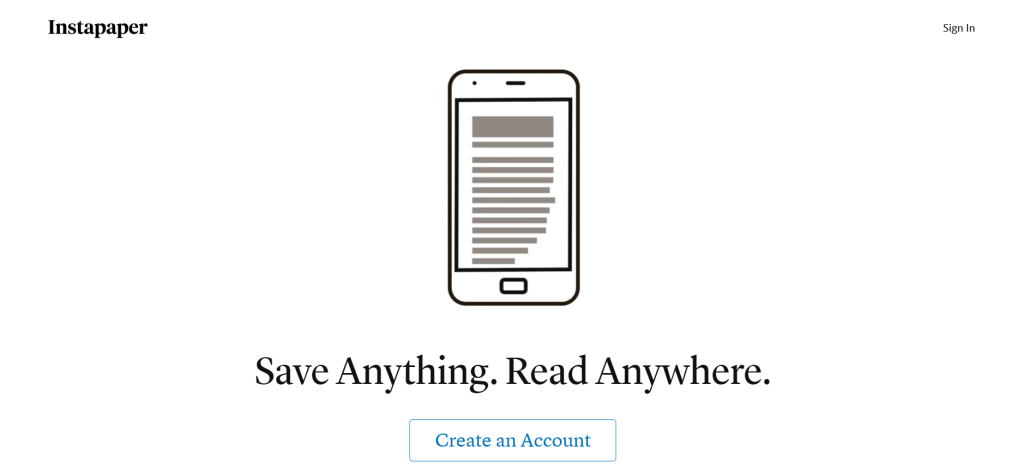
If your idea of bookmarks includes deep reading and zero distractions, Instapaper is for you. It strips saved articles down to clean, readable text—and lets you customize the font, layout, and theme.
Highlight Features:
- Offline reading mode
- Highlight and annotate text
- Text-to-speech support
- Article organization via folders and tags
- Syncs across devices
It’s great for people who collect long reads but need distraction-free environments to digest them.
Pricing: Free version available. Premium is $5.99/month or $59.99/year.
4. Pocket (Discontinuing Soon) – Best for Read-It-Later + Audio
Perfect for: Multitaskers, casual readers, article collectors.
Platforms: iOS, Android, web, browser extensions.
Pocket has been a favorite among users who love saving articles across devices and listening to them later. Its recommendation engine tailors content to your preferences, and the text-to-speech feature transforms articles into audio playlists.
🎧 Why it Stands Out:
- Save from browser or apps
- Discover new content
- Read offline
- Listen to saved articles via TTS
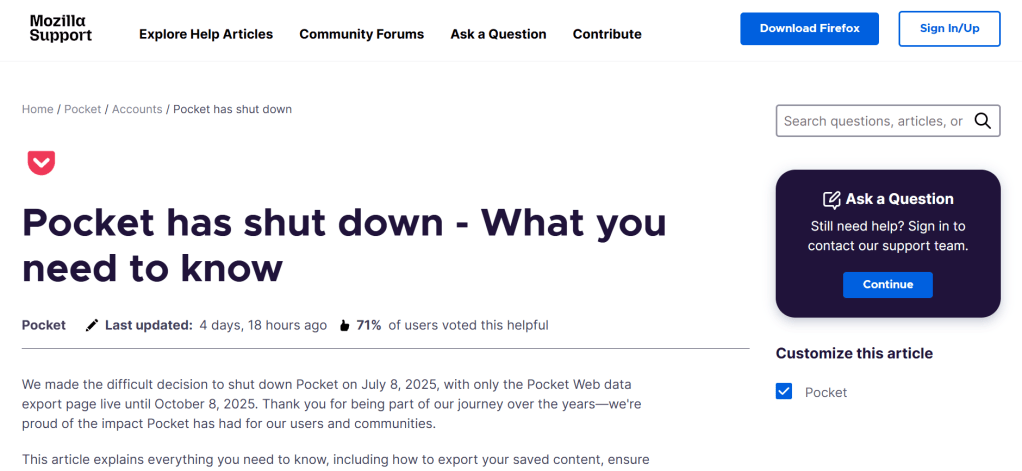
Mozilla is closing Pocket soon. If you’ve used it for a while, it’s time to back up your data and find an alternative.
Pricing: Free plan available. Premium: $4.99/month or $44.99/year.
5. Anybox – Best for Apple-Only Bookmarking
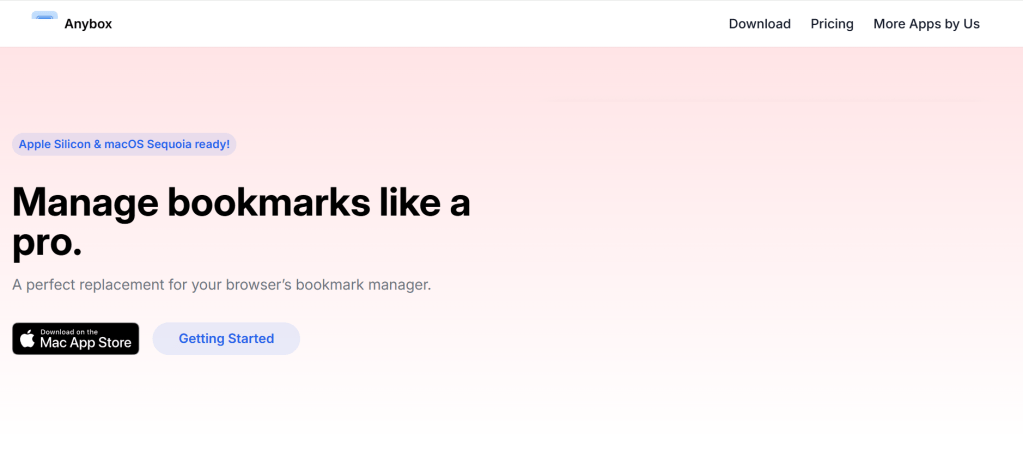
Perfect for: Apple ecosystem users who want speed and style.
Platforms: macOS, iOS only
Anybox is the sleekest link manager for Apple users—designed with speed, automation, and minimalist aesthetics in mind. It allows Spotlight search, Siri Shortcuts, and Smart Lists to keep bookmarks clean and discoverable.
Standout Features:
- Smart Lists based on tags/dates
- Siri Shortcut integration
- Spotlight support
- Keyboard-friendly navigation
It’s ideal for students, researchers, or digital professionals who live in the macOS and iOS world.
Pricing: Free for up to 50 links. Upgrade for $1.99/month, $14.99/year, or $39.99 one-time.
How to Choose the Right Bookmark Manager
Ask yourself:
- Do I need to organize links by topic or project? → Go for Raindrop.io
- Do I want a productivity dashboard with saved links? → Use Notion
- Am I reading saved content offline? → Try Instapaper
- Do I want a simple way to save and listen to articles? → Consider Pocket (while it lasts)
- Am I on Apple devices and want smooth UX? → Get Anybox
📌 Bonus Tip: Use 2–3 tools for a week to see which one fits your daily workflow best.
Final Thoughts
Managing bookmarks shouldn’t feel like digital clutter. With the right tool, you can turn saved links into an organized knowledge hub, a content vault, or even a research dashboard.
These tools not only help you work smarter—but also help you rediscover content you saved for “later” (and actually use it).
Have a favorite bookmark manager? Share your experience or bookmark setup in the comments!
![nick [Alliedify] Avatar](https://0.gravatar.com/avatar/6955a6009ff9c6a76e2eb88c263c9426c8c386b0a7637b4d0cc051871ee8c9f3?s=40&d=identicon&r=G)
 Alliedify
Leave a comment